
TL;DR
A local business website keeps working after hours, so it has to answer buyers' questions without making them dig. Say what you do, who you help and where, then cover what's included, how long it takes, what affects price and what happens next. Decide what counts as a conversion, whether a purchase, an estimate request or a ticket handoff, and put clear buttons like Request an Estimate near the top and after testimonials. Test every step on desktop, tablet and phone, and back it up with page titles, compressed images, HTTPS, real project photos and a current Google Business Profile.
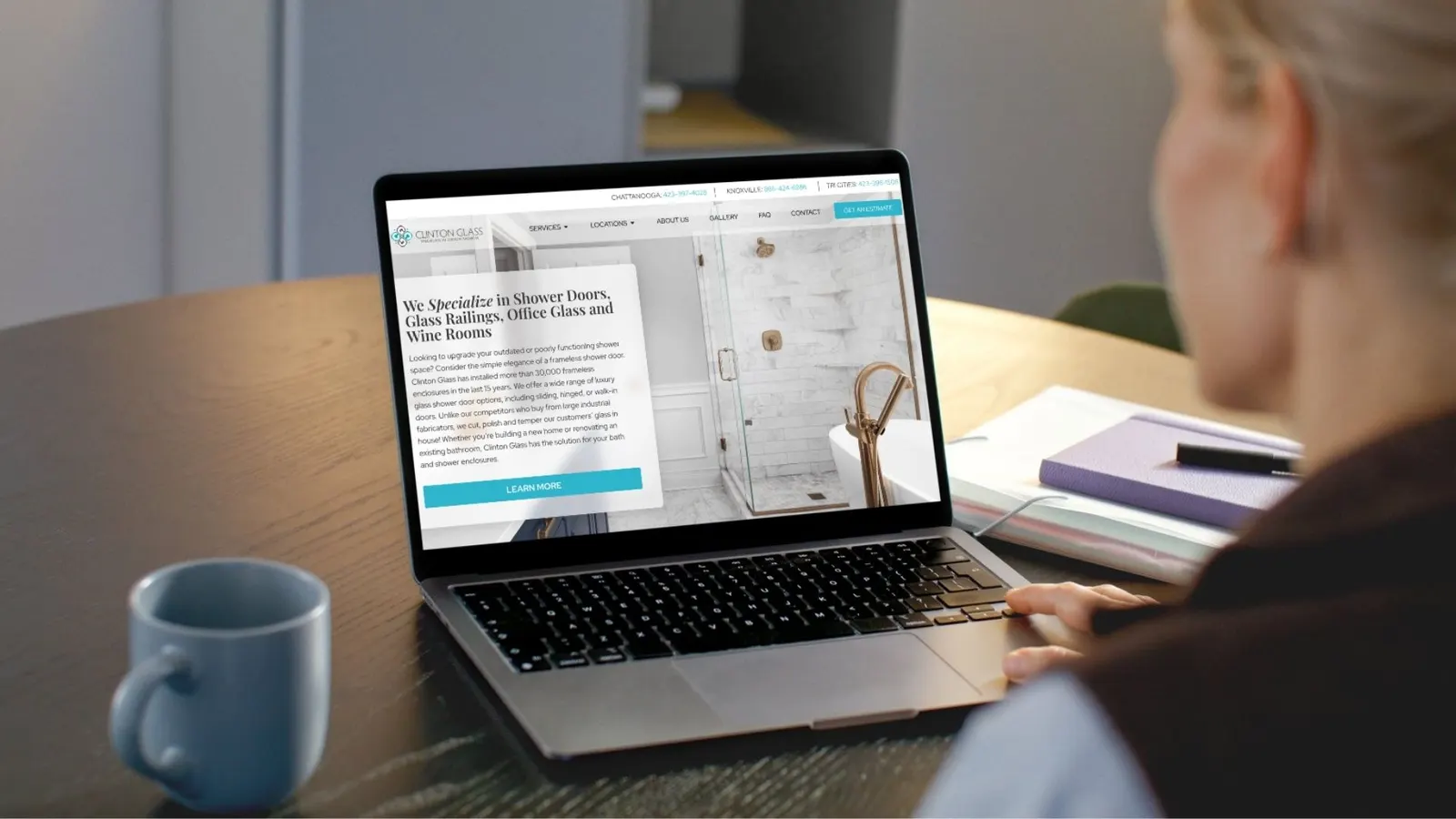
Your business might close at five, but your website keeps taking visitors all night. What happens when they arrive?
Picture a potential customer on the couch, phone in hand, looking for a business like yours. They land on your site and wonder, “Do they offer what I need?” If the answer takes too much digging, they may leave before you ever know they stopped by.
That visit is an important part of the customer journey. Someone who finds you through Google or hears about you from a friend may use your website to decide whether you’re a good fit. Good website design for local businesses helps visitors make that decision and gives them a clear way to act when they’re ready.
Answer the Questions Customers Actually Ask
Make it easy to see what you do, who you help, and where you work. Then answer the questions people ask before they commit. What’s included? How long will it take? What affects the price? What happens after I reach out?
For local SEO, build service pages around the words customers use when they search. A remodeler serving Chattanooga might write a page about “kitchen remodeling in Chattanooga” and explain what a project typically involves. Use descriptive headings and pair real project photos with details that help customers picture what you could do for them.
Give Visitors More Than One Chance to Act
Someone comparing options may want to see examples before reaching out. Someone who’s ready to book should be able to do it right away. Give visitors clear opportunities to act near the top of a service page, after a testimonial, or beside an event’s date and price.
Start by deciding what action counts as a conversion for your business. For a Shopify store, it might be a completed purchase. For a contractor, it might be an estimate request that starts a conversation and leads to a sale later. An event venue might send visitors to a ticketing platform to finish buying their tickets.
Use button labels that tell people what happens next, like “Request an Estimate,” “Book a Call,” or “Buy Tickets.” Keep forms short, test any handoff to an outside platform, and make sure customers get a confirmation that tells them what to expect.
Test the Experience on Desktop, Tablet, and Phone
Responsive web design helps your site adapt to different screen sizes. On each device, try finding a service, reading the details, and completing the next step. Can you read without zooming, tap a button without hitting the one beside it, and submit a form without a pop-up getting in the way? Ask someone unfamiliar with your site to try it and watch where they hesitate.
Take Care of What’s Behind the Pages
Pair helpful front-end content with technical SEO. Give each page a descriptive title and meta description, compress large images, and check that search engines can find and index important pages. Use HTTPS throughout the site and keep your website software and plugins up to date.
Make trust easy to find, too. Show real project photos, customer testimonials, and clear contact details. Keep your Google Business Profile current so customers see consistent information when they find you in Search or Maps.
Ready to put your website to work? Local Fare Marketing Group helps Chattanooga-area businesses bring website design, local SEO, content creation, and graphic design together so customers can find you and take the next step. Tell us what you want your website to do.